
Let Your Certificates Be Verified Instantly on Your Website
Your customer or an auditor enters the certificate number or scans the QR code on the document and sees that it is genuine and valid, without calling you. Trust in your certificates grows, and verification calls go down.
- Instant results
- QR code on printed certificates
- In any language
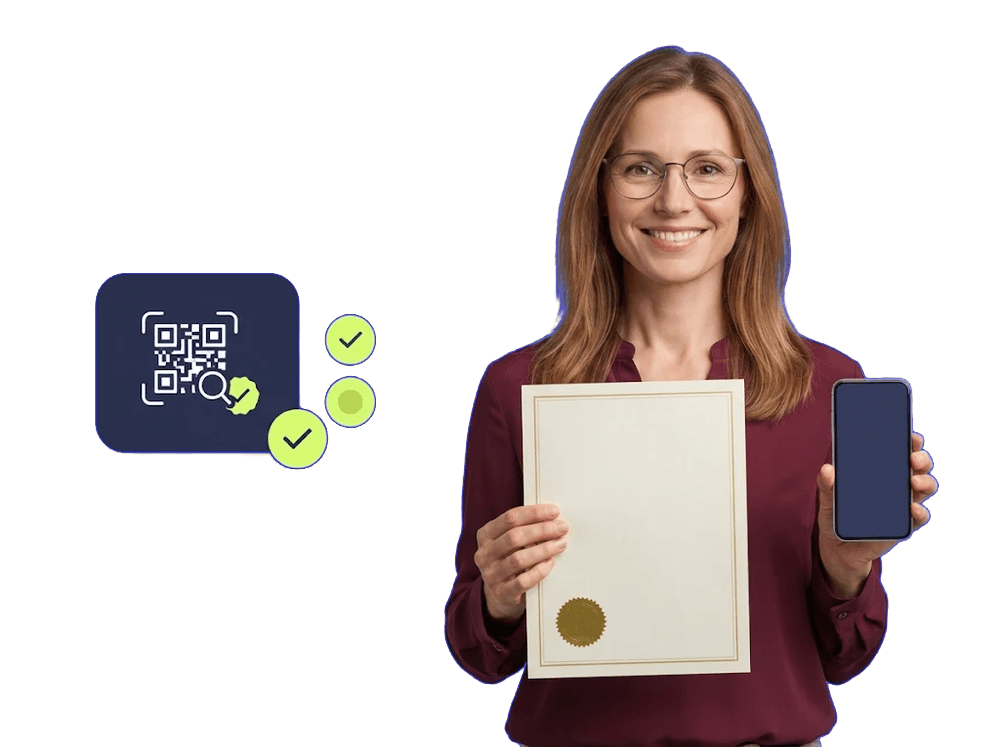
Your Customers Verify Certificates Themselves
The certificate verification system lets anyone check on your website whether a certificate you issued is genuine and still valid. No one needs to call and ask you.
- Lookup
Lookup by Number and Company Name
- Your customer enters the number and the first three letters of the company name
- The number must match exactly; the first letters of the company name are enough
- A short delay between repeated lookups makes it harder to scrape your records in bulk
- Result
Full Certificate Details
- Company address, scope, standard number and description are shown
- Issue, expiry and last print dates are shown
- The certificate itself can be previewed as a PDF
- Status
Valid or Expired
- The status updates automatically based on the expiry date
- The lookup screen works in any language
- Customers abroad verify certificates in their own language
From Printed Certificate to Verification in One Scan
Anyone who scans the QR code on your certificate with a phone lands on its verification page on your website without typing anything.
- Generation
A Ready QR Code for Every Certificate
- Every certificate record comes with a ready QR code
- You print the QR code and add it to your certificate
- Verification
The Certificate Opens Directly
- The QR code opens the verification page on your own website
- Whoever scans it sees the certificate without typing anything
- We set up the verification page on your website
- Records
Enter Your Certificates Easily
- You enter the company, address, scope, standard and certificate number
- You add the dates, a description and the certificate PDF
- You can export all records to Excel
Start Verifying in Three Steps
We set up the verification page. Once your certificate records are entered, your customers can start looking them up.
We Set Up the Verification Page
1We add the lookup and QR verification page to your website on the demresa platform.
You Enter Your Certificates
2You enter certificate details on a single screen and attach the PDF files.
You Print the QR Codes
3You take each certificate’s QR code and add it to your printed certificates. From then on, verification runs without taking up your time.
Frequently Asked Questions About Certificate Verification
Can’t find what you’re looking for? Get in touch with us directly.
It is a verification system that lets your customers check on your website whether the certificates you issued are genuine and valid. Lookups are done by certificate number and company name, or with the QR code on the certificate.
They enter the certificate number and the first three letters of the company name. The number must match exactly and the company name is matched by its first letters; the result appears right away.
The company address, certificate scope, standard number, description, issue, expiry and last print dates, and a PDF preview of the certificate are shown. Based on the expiry date, the certificate is marked as valid or expired.
Every certificate record has a ready QR code. You take it from the printable page and add it to your printed certificate. When the QR code is scanned, the certificate opens directly on the verification page of your website.
In any language. Customers abroad look up certificates in their own language.
A result appears only when both the number and the first letters of the company name are entered correctly. Repeated lookups also get a short delay, which makes it harder to scrape your records in bulk.
Yes. You can export all your certificate records to Excel and get a ready list for reporting and audits.
The system works on websites built on the demresa platform. If your website is elsewhere, we can move your content to your new website together. See our website redesign page for details.
The system was designed for certificates issued to companies and works with company name, address, scope and standard fields. If you issue certificates to individuals, we analyze your needs and discuss the right solution with you. See our custom software development page for details.
It depends on the scope of the setup. Once we hear about your certification activities, we send you a written quote.
Let’s Make Your Certificates Verifiable
Tell us which certificates you issue and who needs to verify them. Once the scope is clear, we’ll send you a written quote.